draft item management

DOCX 3 sahifa 526,4 KB Bepul yuklash

Sahifa ko'rinishi (3 sahifa)

Pastga aylantiring 👇
1 / 3
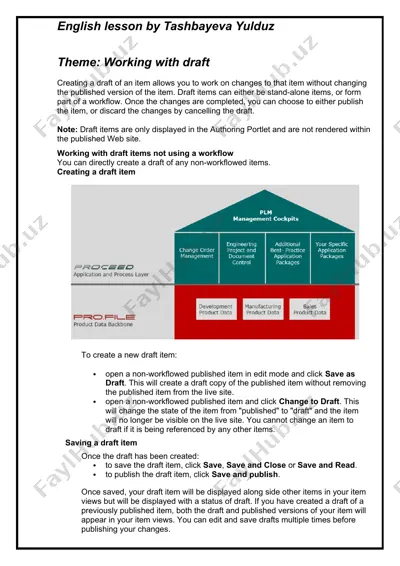
english lesson by tashbayeva yulduz theme: working with draft creating a draft of an item allows you to work on changes to that item without changing the published version of the item. draft items can either be stand-alone items, or form part of a workflow. once the changes are completed, you can choose to either publish the item, or discard the changes by cancelling the draft. note: draft items are only displayed in the authoring portlet and are not rendered within the published web site. working with draft items not using a workflow you can directly create a draft of any non-workflowed items. creating a draft item to create a new draft item: · open a non-workflowed published item in edit mode and click save as draft. this will create a draft copy of the published item without removing the published item from the live site. · open a non-workflowed …
2 / 3
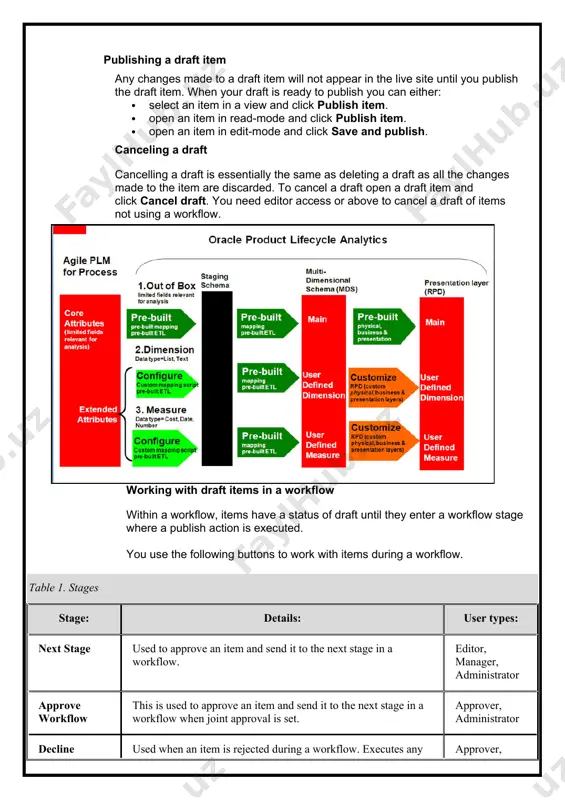
g a draft is essentially the same as deleting a draft as all the changes made to the item are discarded. to cancel a draft open a draft item and click cancel draft. you need editor access or above to cancel a draft of items not using a workflow. working with draft items in a workflow within a workflow, items have a status of draft until they enter a workflow stage where a publish action is executed. you use the following buttons to work with items during a workflow. table 1. stages stage: details: user types: next stage used to approve an item and send it to the next stage in a workflow. editor, manager, administrator approve workflow this is used to approve an item and send it to the next stage in a workflow when joint approval is set. approver, administrator decline used when an item is rejected during …
3 / 3
draft item by clicking go to draft. · when viewing a draft item, you can open the published version of an item by clicking go to published. · if a published item has more than one draft, the manage drafts button is displayed on both the published and draft versions of an item. you click manage drafts to view a list of drafts for the current item. all drafts are displayed, but you can only read, edit and cancel drafts that you have sufficient access to image1.png image2.jpg image3.jpg

Ko'proq o'qimoqchimisiz?

Barcha 3 sahifani Telegram orqali bepul yuklab oling.

To'liq faylni yuklab olish

"draft item management" haqida

english lesson by tashbayeva yulduz theme: working with draft creating a draft of an item allows you to work on changes to that item without changing the published version of the item. draft items can either be stand-alone items, or form part of a workflow. once the changes are completed, you can choose to either publish the item, or discard the changes by cancelling the draft. note: draft items are only displayed in the authoring portlet and are not rendered within the published web site. working with draft items not using a workflow you can directly create a draft of any non-workflowed items. creating a draft item to create a new draft item: · open a non-workflowed published item in …

Bu fayl DOCX formatida 3 sahifadan iborat (526,4 KB). "draft item management"ni yuklab olish uchun chap tomondagi Telegram tugmasini bosing.
Teglar: draft item management DOCX 3 sahifa Bepul yuklash Telegram